> ## Documentation Index
> Fetch the complete documentation index at: https://docs.customtypeone.com/llms.txt
> Use this file to discover all available pages before exploring further.
# Firmware Update
SugarPixel software includes:
* The **mobile app** (for configuration)
* The **device firmware** (running on SugarPixel)
Both are updated regularly with new features and fixes.
## **Update Notifications**
Enable notifications for the SugarPixel app in your phone’s settings to receive update alerts.
When an update is available, tap the **Install** button in the app to begin.
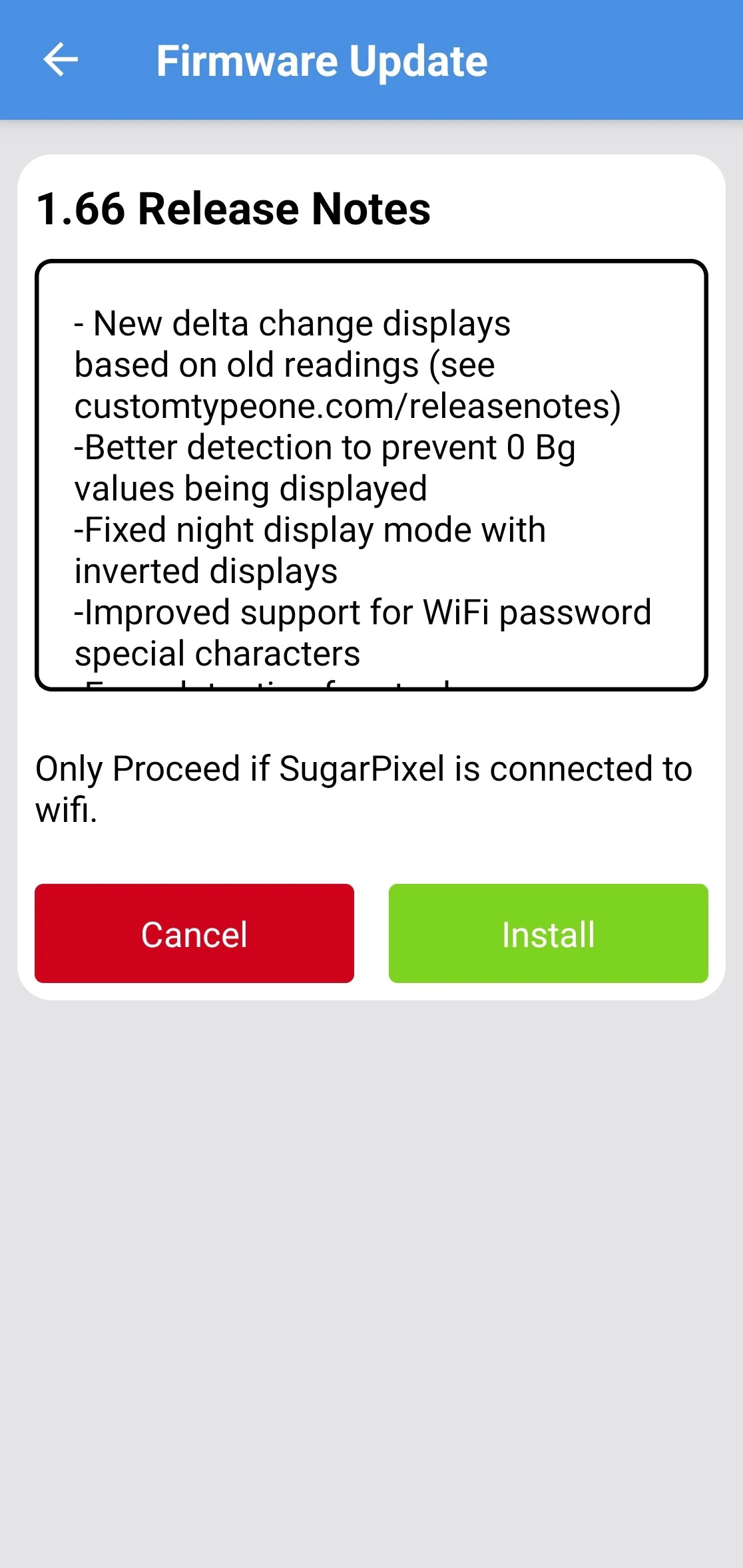 ## **During the Update**
* SugarPixel will display **“UPDATE”**
* The app switches to the update screen
* Follow the on-screen instructions
Tap **Update App** to confirm you are running the latest version of the mobile app.
Using an outdated app may prevent access to new settings.
## **If the Update Stalls**
If **“UPDATE”** is displayed for more than **10 minutes**:
1. Reboot your phone
2. Unplug SugarPixel and plug it back in
3. Temporarily disable WiFi on your phone
4. Retry the update
## **During the Update**
* SugarPixel will display **“UPDATE”**
* The app switches to the update screen
* Follow the on-screen instructions
Tap **Update App** to confirm you are running the latest version of the mobile app.
Using an outdated app may prevent access to new settings.
## **If the Update Stalls**
If **“UPDATE”** is displayed for more than **10 minutes**:
1. Reboot your phone
2. Unplug SugarPixel and plug it back in
3. Temporarily disable WiFi on your phone
4. Retry the update